How it works
New fonts in five taps.
The fastest way to get different Instagram fonts in your profile or posts.
- 01
Enter text
Type your bio, caption or comment in the generator — or straight into the Fonts keyboard on iPhone.
- 02
Preview styles
Scroll the results instantly and pick a font you like.
- 03
Copy
Tap copy on your favorite style to save it to the clipboard.
- 04
Paste
Paste into your Instagram bio, captions, comments or Stories and save.
- 05
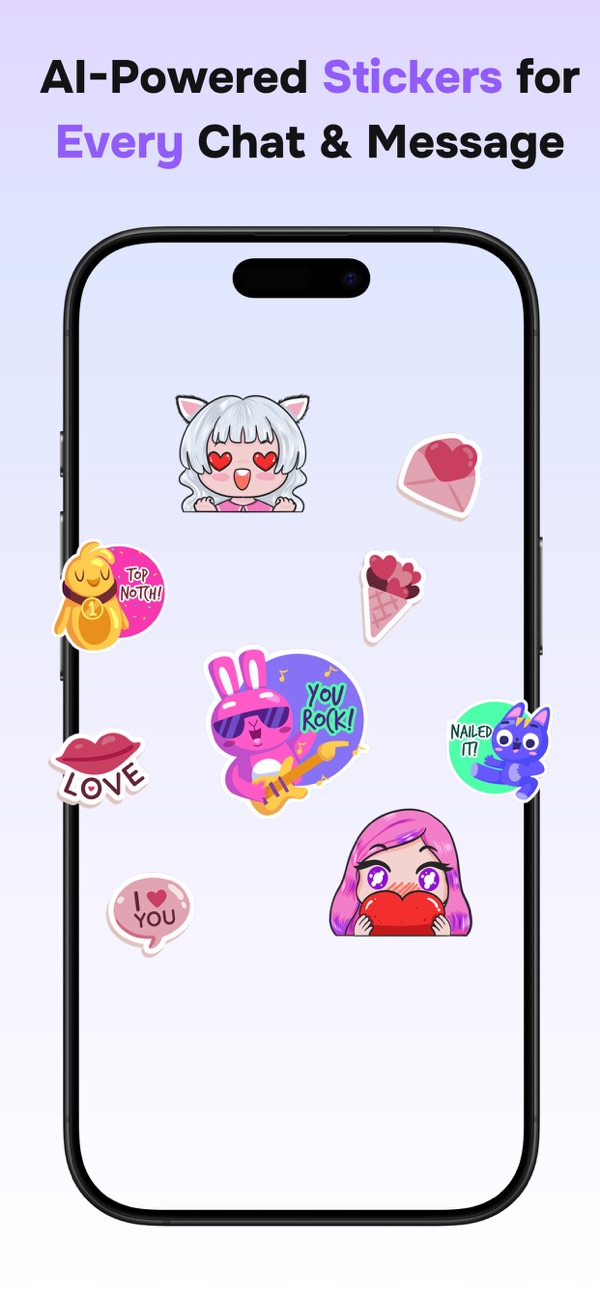
Add stickers
Generate an AI sticker or grab a GIF to finish the message.
Ready to stand out? Let your style shine.
Free on iPhone, with optional Premium for unlimited AI stickers, all premium fonts and exclusive text art.
Download on the App Store